
What Does FF Mean on LG Refrigerators? 6 Causes and Solutions Explained
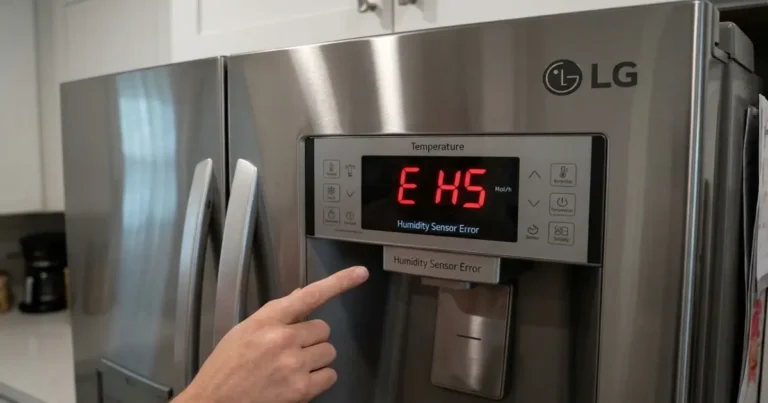
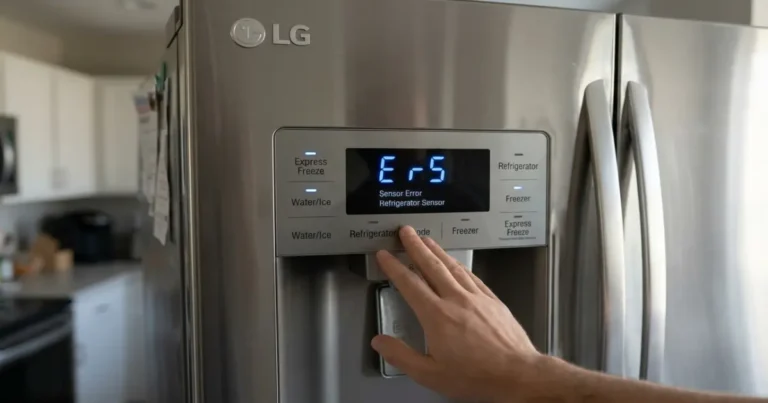
In this guide, we’ll explain what the FF code on LG refrigerators means, why it appears, and how to fix it. If your LG fridge is showing an E FF or FF error, it usually indicates that the freezer fan is not working properly or airflow is being blocked.
What Does FF Mean on LG Refrigerators? Causes and Solutions
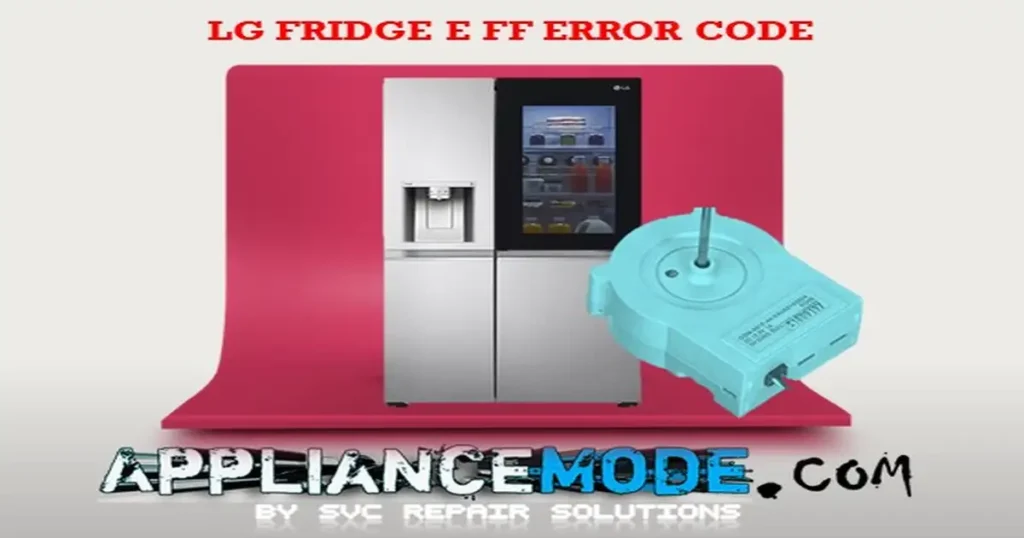
The FF (or E FF) error code on LG refrigerators typically stands for a freezer fan fault. This means the refrigerator has detected an issue with air circulation inside the freezer compartment.
When the freezer fan fails or airflow is restricted, the appliance cannot maintain proper cooling, so the error code appears as a warning.
Causes of FF Error Code on LG Refrigerators
There are several possible reasons why the FF error code on LG refrigerators may appear:
1. Door Left Open (Warm Air Entry)
Leaving the freezer door open for too long allows warm air to enter. This causes frost buildup around the evaporator and fan, eventually blocking airflow and triggering the FF error.
2. Ice Buildup on Freezer Fan
When ice forms around the fan blades, it prevents the fan from spinning freely. This disrupts airflow and cooling efficiency, leading to the FF error code.
3. Damaged Freezer Fan Blade
A broken or deformed fan blade can cause uneven rotation or complete fan failure. This reduces air circulation and triggers the error.
4. Faulty Wire Harness or Loose Connections
The wire harness connects the freezer fan to the main control board. If wires are damaged or loose, communication is interrupted, causing the FF error.
5. Faulty Freezer Fan Motor
If the fan motor fails or wears out, it cannot circulate cold air properly. This is one of the most common causes of the FF error code.
6. Main Control Board Failure
The main PCB controls the freezer fan operation. If it malfunctions, it may fail to send correct voltage or signals to the fan, resulting in the FF error.
How to Fix FF Error Code on LG Refrigerators
Follow these troubleshooting steps in order:
Step 1: Defrost the Freezer.
- Unplug the refrigerator
- Allow the freezer to fully defrost
- Remove any ice buildup around the fan
- Restore power and check operation
Step 2: Inspect the Freezer Fan
- Check if the fan blades are spinning freely
- Remove any obstruction or ice
- Replace the fan if it is stuck or damaged
Step 3: Check Wire Connections
- Inspect wiring between fan and main board
- Look for loose, burnt, or damaged wires
- Repair or replace the wire harness if needed
Step 4: Inspect the Fan Shroud
- Ensure the fan cover is properly aligned
- A misaligned shroud can block airflow
- Adjust or reinstall if necessary
Step 5: Test Freezer Fan Voltage (Advanced Check)
Using a multimeter:
- Check FG (feedback) to GND → should be around 2.4 VDC
- Check VCC to GND → should be around 12 VDC
- For 4-wire fans, check PWM signal (1.2 – 4.6 VDC)
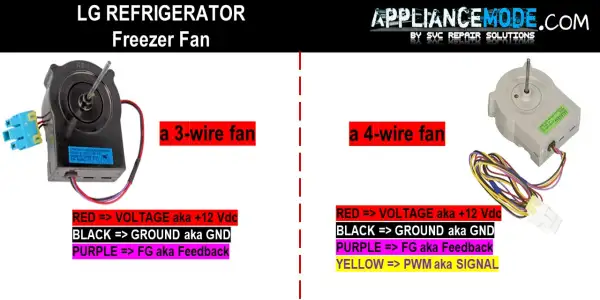
If readings are incorrect, the fan or control board may be faulty.
Step 6: Inspect Main Control Board
- Verify proper voltage output
- If voltage is missing or unstable, replace the main PCB
- Ensure compatibility with your model
Summary of Causes of FF Error
The FF error code on LG refrigerators is usually caused by:
- Ice buildup on evaporator or fan
- Blocked or jammed fan
- Faulty fan motor
- Wiring issues
- Control board malfunction
- Door left open too long
Conclusion
If your LG refrigerator shows an FF or E FF error code, it means there is a problem with the freezer fan or airflow system. This issue prevents proper cooling and must be addressed quickly.
In most cases, the problem can be solved by defrosting the freezer, checking the fan, or repairing wiring. However, if the fan motor or control board is faulty, replacement may be necessary.

I am an appliance repair technician with over 35 years of experience. I help people troubleshoot appliance problems, understand error codes, and fix common issues. On ApplianceMode.com, I share free guides and useful information to help people repair their appliances.