
Samsung Dishwasher dC3 Error Code
Samsung Dishwasher dC3 Error Code – Auto Door Open Error Explained
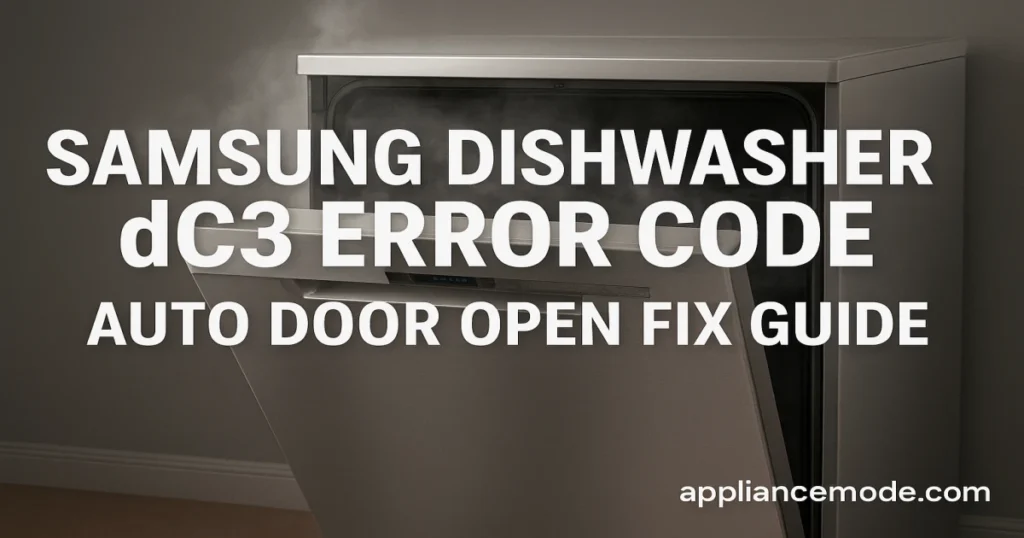
The Samsung dishwasher dC3 error code indicates a problem with the auto door open mechanism, a feature that helps speed up drying at the end of a cycle. If your dishwasher door isn’t opening automatically, here’s what it means and how to fix it.
What Causes the dC3 Error Code?
- Faulty auto-release mechanism (wax motor issue)
- Damaged or loose wiring harness connecting the mechanism to the control board
- Malfunctioning main PCB (control board)
- Auto-release feature disabled in the dishwasher settings
How to Fix Samsung Dishwasher dC3 Error
- Check the Auto-Release Setting
- Make sure the feature is enabled. On most models, press and hold Delay Start + Sanitize simultaneously, then press Sanitize again to toggle the setting.
- Inspect Wiring and Connections
- Turn off power and check the wiring harness between the mechanism and the main PCB. Look for loose connections or visible damage.
- Advanced Electrical Checks (for Technicians)
- Test the wax motor resistance and harness continuity with a multimeter.
- Confirm the main PCB is sending the correct voltage (~120V AC).
- Replace the wax motor, harness, or PCB if faulty.

I am an appliance repair technician with over 35 years of experience. I help people troubleshoot appliance problems, understand error codes, and fix common issues. On ApplianceMode.com, I share free guides and useful information to help people repair their appliances.