

Electrolux Dishwasher i40 Error Code
In this guide, we will explain the Electrolux dishwasher i40 error code, which usually indicates a water pressure system problem. This error appears when the dishwasher detects that water is not draining properly or the pressure sensor is reporting an abnormal water level inside the machine.
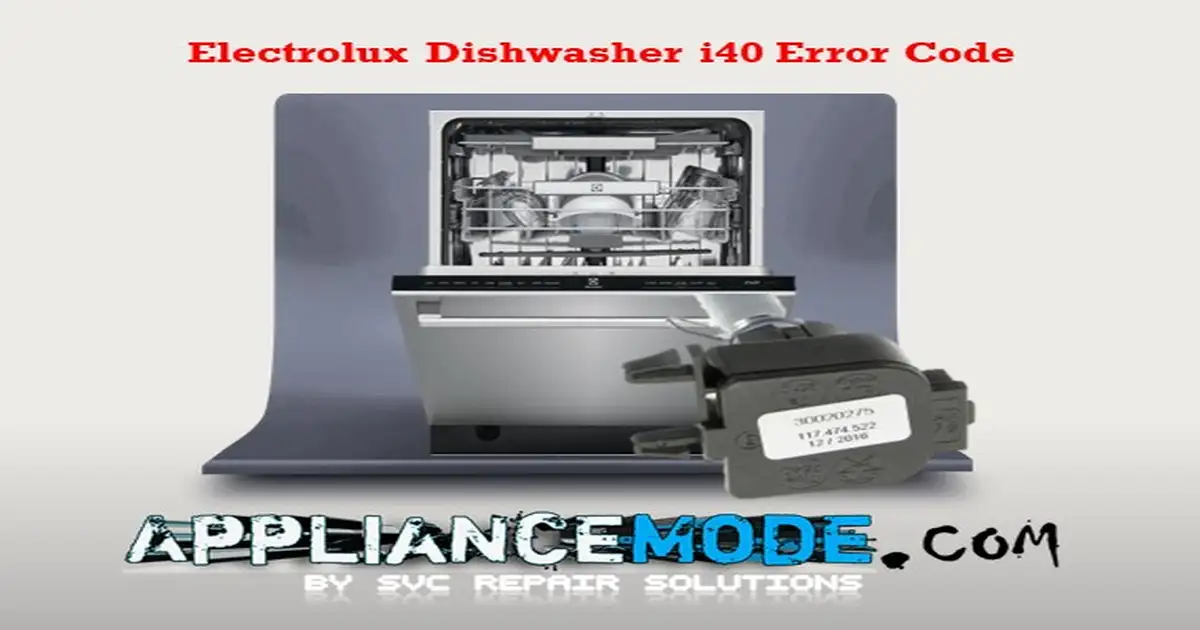
Understanding the Meaning, Causes, and Effective Solutions for the Electrolux Dishwasher i40 Error Code
The i40 error code on your dishwasher, which may also appear as i41, i42, i43, i44, i45, or i46, typically signals an issue related to the water level inside the dishwasher tube. In more technical terms, this error is associated with the “Pressure Sensor Error.” Essentially, the dishwasher is having trouble calibrating the pressure sensor, and this difficulty manifests during either the wash or rinse cycle.
| i40 Error Codes Family | Meaning |
|---|---|
| i40 | pressure sensor error. |
| i41 | no pressure sensor signal error. |
| i42 | Calibration invalid; pressure signal too noisy |
| i43 | The pressure sensor signal is too high |
| i44 | The pressure sensor signal is too low. |
| i45 | Calibration is invalid; the pressure signal is too low. |
| i46 | Calibration is invalid; the pressure signal is too high. |
Uncovering the Factors Behind the Electrolux Dishwasher i40 Error Code
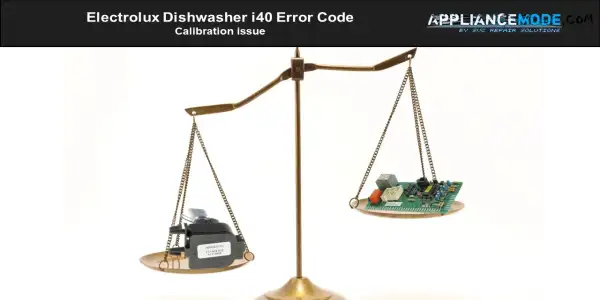
Calibrating the dishwasher entails configuring it to measure water levels accurately during different phases of the wash cycle.
Fixing the Electrolux Dishwasher i40 Error Code: Step-by-Step Troubleshooting and Expert Tips
If you come across the i40 error code on your dishwasher, follow these troubleshooting steps to address the problem:
- Calibrate the dishwasher.
- To calibrate the dishwasher, activate the diagnostic service mode and run a test cycle. This process will recalibrate the dishwasher’s internal settings.
- If the error persists, reprogramming the appliance may be necessary, which can be done using the Electrolux Sidekick service tool. Please note that this service tool is typically available only through authorized service centers.
If you’re interested in learning more about the Electrolux Sidekick service tool and would like us to provide an overview, please let us know in the comments.
- Inspect the pressure sensor hose.
- Examine the pressure hose for any pinholes or damage that could affect its performance.
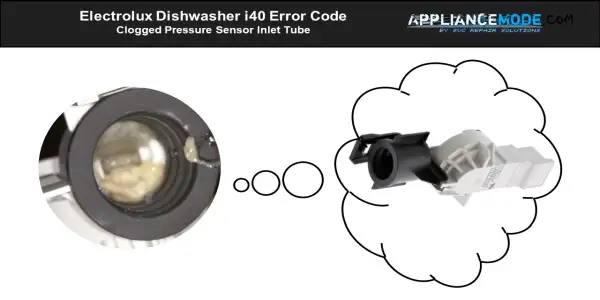
- Clean the pressure sensor tube and hose.
- Ensure that the pressure sensor tube and hose are clean and free from any debris or food residue.
- Check the wiring harness.
- Inspect the wiring harness between the main board and the pressure sensor for damage or loose connections.
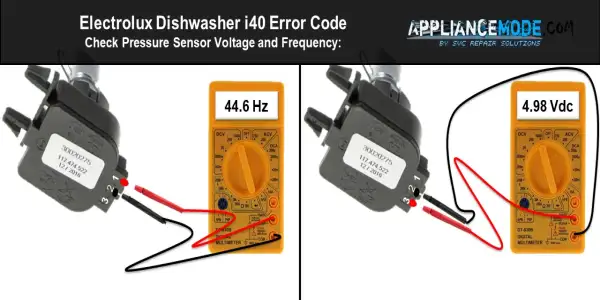
- Check pressure sensor voltage and frequency:
- Verify that the pressure sensor is receiving +5 volts from the main board. If not, consider replacing the main PCB.
- Measure the pressure sensor voltage between the GND (pin 2) and +5VDC (pin 3), which should read around 4.92 to 5VDC.
- If the voltage value falls outside the range of around 4.92 to 5 Vdc, consider replacing the main PCB.
- Measure the pressure sensor frequency with the hose disconnected between the GND (pin 2) and Out (pin 1), which should be around 44.6 Hz.
- If the frequency value is outside of this range, consider reevaluating the sensor’s condition and potential replacement.
- Consider Replacing the Main Board:
- If the error persists despite the previous troubleshooting steps, it may be necessary to replace the main board.
Final Tip
The Electrolux Dishwasher i40 error code is most commonly caused by a drainage restriction, so start by cleaning the filter and checking the drain hose for kinks or blockages. If the problem continues, inspect the drain pump and pressure sensor for faults.

I am an appliance repair technician with over 35 years of experience. I help people troubleshoot appliance problems, understand error codes, and fix common issues. On ApplianceMode.com, I share free guides and useful information to help people repair their appliances.
“To calibrate the dishwasher, activate the diagnostic service mode and run a test cycle. ”
Oh, _how _ I _wish_ I could do that. But ‘how to activate the diagnostic service mode’ is not part of the manual, not anything I can find on the electrolux website.